
SAP Integration: Types, Technologies, Challenges, and Best Practices
 admin
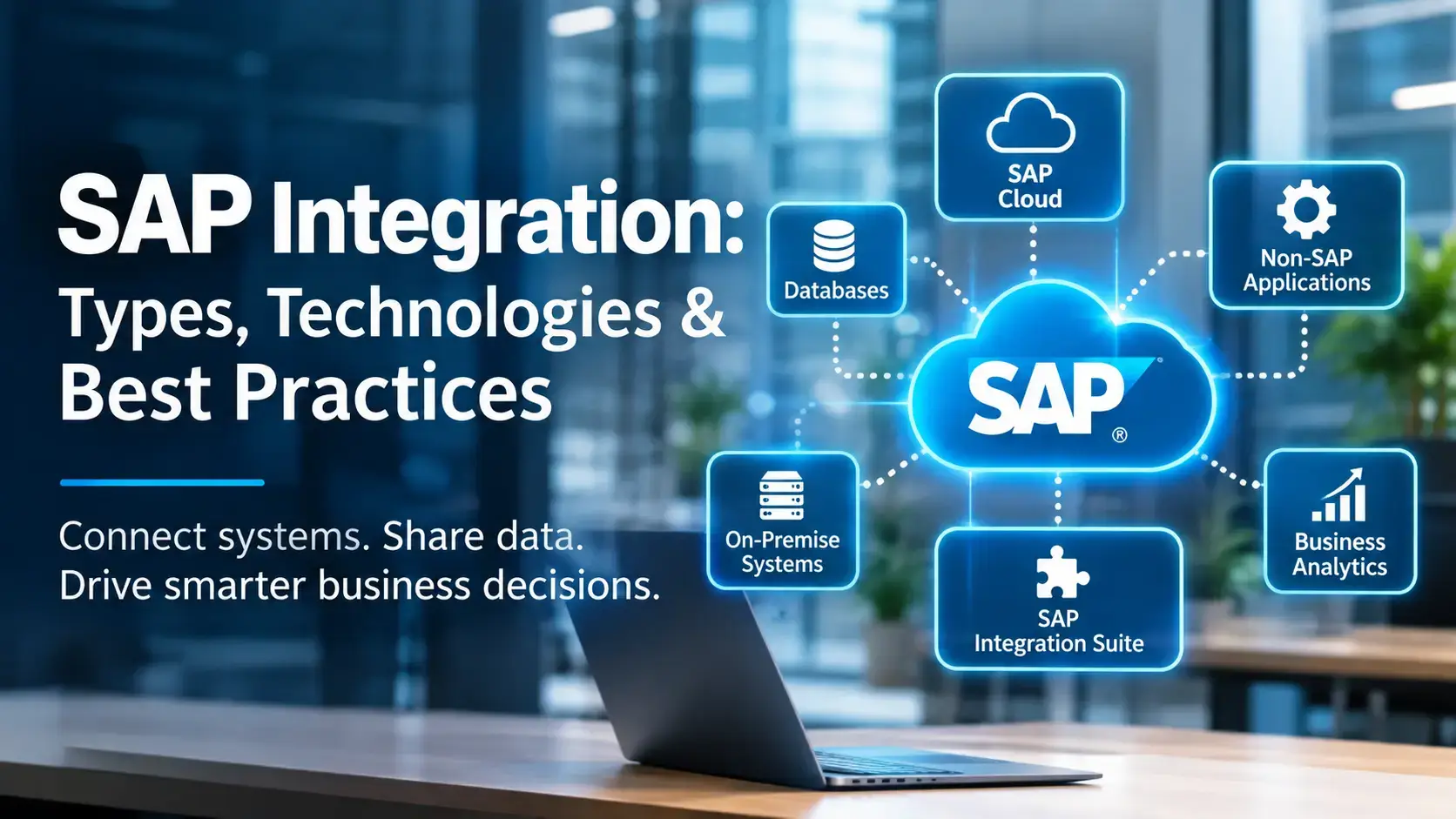
SAP integration connects SAP applications with other business systems so information can move between departments, platforms, and external applications. It helps organizations coordinate processes involving finance, sales, procurement, inventory, customer management, and other business functions.
Businesses may need to connect SAP with CRM platforms, e-commerce applications, warehouse management systems, databases, cloud services, and legacy software. The right integration method depends on the applications involved, the information being exchanged, security requirements, and how the business process needs to operate.
Choosing an integration method requires more than selecting a connector. Organizations must understand their existing systems, data flows, business requirements, and long-term maintenance responsibilities. Businesses assessing these requirements can also review SAP consulting services for support with SAP integration and related ERP requirements.
What Is SAP Integration and Why Do Businesses Need It?
SAP integration is the process of connecting SAP software with other applications, systems, and services to exchange information or coordinate business activities. These connections help departments work with consistent information instead of maintaining separate records across disconnected systems.
How SAP Connects Different Business Applications
An organization may use SAP for enterprise resource planning while relying on other applications for customer relationships, payroll, e-commerce, logistics, or reporting.
Integration allows these applications to exchange relevant information through supported interfaces and communication methods.
For instance, when a customer places an order through an e-commerce platform, the order details may need to reach SAP so the business can check inventory, process the transaction, and coordinate delivery.
Common integration scenarios include:
Connecting SAP ERP with CRM software to exchange customer and sales information.
Sending order details from an e-commerce platform to SAP.
Connecting SAP with warehouse systems to exchange inventory and shipment information.
Transferring financial information between SAP and external accounting applications.
Connecting SAP with reporting platforms for business analysis.
The objective is to make relevant information available to the systems and employees who need it.
Why Data Exchange Matters Across Business Departments
When applications operate separately, employees may need to enter the same information into multiple systems. This can create duplicate records, inconsistent reporting, and delays in business operations.
Integration can reduce unnecessary manual data exchange by allowing applications to communicate through defined interfaces.
Consider a wholesale company that uses SAP for inventory and finance, a separate CRM platform for sales, and an external warehouse application.
Without integration, employees may need to update customer orders, inventory records, and financial information separately. With appropriate connections, relevant information can move between these systems as business activities occur.
However, integration does not automatically guarantee accurate data. Organizations still need clear data ownership, validation rules, and procedures for handling failed or incomplete exchanges.
Common Business Scenarios That Require SAP Integration
Integration requirements depend on the organization's operating model and the applications it uses.
Business requirement | Integration scenario | Main purpose |
|---|---|---|
Customer management | SAP with CRM | Share customer and sales information |
Online ordering | SAP with e-commerce | Transfer orders and product information |
Inventory management | SAP with warehouse software | Exchange stock and shipment information |
Financial reporting | SAP with reporting platforms | Provide relevant financial data |
Human resources | SAP with HR applications | Exchange employee information |
Procurement | SAP with supplier systems | Coordinate purchase orders and supplier information |
Organizations should identify which business processes require integration before selecting technologies.
What Are the Main Types of SAP Integration?
Integration can be classified according to the applications being connected, where those applications operate, and the business information being exchanged.
SAP-to-SAP Integration Between Enterprise Systems
SAP-to-SAP integration connects different SAP applications or environments.
For example, an organization may need to connect SAP S/4HANA with SAP SuccessFactors, SAP Ariba, or another SAP application.
These connections can support processes such as:
Synchronizing employee information between HR and ERP systems.
Sharing procurement information between enterprise applications.
Coordinating financial and operational processes.
Exchanging master data between SAP environments.
The appropriate method depends on the products involved, available interfaces, and supported deployment scenarios.
SAP-to-Non-SAP Integration With External Applications
SAP-to-non-SAP integration connects SAP software with applications developed by other vendors.
Common examples include:
SAP with Salesforce for customer and sales information.
SAP with Microsoft applications for business workflows.
SAP with external warehouse management platforms.
SAP with e-commerce and payment applications.
SAP with third-party analytics and reporting tools.
These connections may use APIs, middleware, connectors, file-based exchange, or other supported interfaces.
The project team must review authentication, data mapping, compatibility, and error handling before implementing the connection.
Cloud, On-Premise, and Hybrid Integration Environments
Business applications do not always operate in the same hosting environment. Some organizations maintain local infrastructure, while others use cloud applications or a combination of both.
Environment | Description | Example |
|---|---|---|
Cloud-to-cloud | Connecting applications hosted in cloud environments | SAP cloud application with a cloud CRM |
Cloud-to-on-premise | Connecting cloud applications with locally hosted systems | SAP BTP connecting to an on-premise SAP environment |
On-premise-to-on-premise | Connecting applications hosted within local infrastructure | SAP ERP with a local warehouse system |
Hybrid integration | Connecting applications across cloud and on-premise environments | SAP ERP, cloud CRM, and external logistics software |
Hybrid environments often require additional attention to connectivity, network access, authentication, and monitoring.
SAP Integration Suite supports integration across cloud and on-premise environments. However, the architecture should be selected according to the organization's requirements rather than assuming that every environment needs the same platform.
Which SAP Integration Technologies and Methods Are Commonly Used?
Different technologies serve different purposes. An organization may need to exchange business documents, expose application functions, synchronize information, or coordinate events between systems.
SAP Integration Suite and SAP Business Technology Platform
SAP Business Technology Platform (SAP BTP) is a broader platform that provides services for application development, data management, analytics, automation, and integration.
SAP Integration Suite is an integration platform available through SAP BTP. It brings together capabilities for connecting applications, managing APIs, exchanging events, and supporting integration governance.
Important capabilities include:
Cloud Integration: Supports integration flows and message exchange between SAP and non-SAP applications.
API Management: Helps organizations publish, secure, manage, and monitor APIs.
Event Mesh: Supports publishing and consuming business events between applications.
Open Connectors: Provides connectivity options for supported third-party cloud applications.
Integration Advisor: Supports interface design and message-mapping activities.
Integration Assessment: Helps organizations assess integration requirements and technology choices.
These capabilities address different integration needs. Organizations should select the ones relevant to their application landscape, deployment requirements, and operating model.
SAP provides an overview in its SAP Integration Suite capabilities documentation.
APIs, IDocs, and BAPIs for Application Connectivity
APIs, IDocs, and BAPIs are important parts of SAP integration, but they are not equivalent technologies. OData is another important term because it describes a protocol used to build and consume REST-based services.
APIs (Application Programming Interfaces) define how applications or services expose functions and information for other software to use. An API is a broad interface concept, not one specific SAP technology.
BAPIs (Business Application Programming Interfaces) are standardized methods associated with SAP business objects. They allow supported external applications and other SAP systems to access SAP business processes, functions, and data. A BAPI is therefore a specific type of SAP business interface.
IDocs (Intermediate Documents) are structured data containers used to exchange business information through SAP's Application Link Enabling (ALE) processes. They are commonly used in supported scenarios involving orders, deliveries, and other business documents. IDoc processing can be asynchronous, depending on the integration design.
OData (Open Data Protocol) is a standardized protocol for building and consuming REST-based services. It provides a structured way for applications to access and work with exposed data resources.
Technology | What it represents | Typical application |
|---|---|---|
API | An interface through which applications access services or functions | Connecting SAP with web applications |
BAPI | A standardized SAP business-object method and interface | Accessing supported SAP business functions |
IDoc | A structured business-message or data container | Exchanging order and delivery information |
OData | A protocol for REST-based data services | Exposing and consuming application data |
The right choice depends on the SAP product and version, available interfaces, communication requirements, and integration architecture.
For technical reference, see SAP's documentation for BAPIs, IDoc interface connectivity, and REST and OData APIs.
Middleware, Data Integration, and Event-Based Communication
Middleware is software that helps different applications communicate. It can provide functions such as message routing, data transformation, and process coordination.
It is useful when an organization connects multiple applications with different data formats, communication methods, and technical requirements.
Three common integration patterns include:
Message-based integration: Applications exchange structured messages through supported interfaces.
Data integration: Information is transferred, replicated, or synchronized between systems.
Event-driven integration: Applications publish and respond to business events when specific activities occur.
For example, a warehouse application may publish an inventory update after a stock movement. Another connected application can consume that event and update relevant information.
Middleware is useful in many enterprise environments, but it is not mandatory for every integration. Some applications can communicate directly through supported APIs or other interfaces.
How to Plan an Effective SAP Integration Architecture
An integration architecture defines how applications communicate, how information moves, and how connections are managed over time.
Planning it properly helps organizations avoid unnecessary interfaces and inconsistent integration practices.
Assess Business Requirements and Existing Systems
Begin by identifying the applications that need to communicate and the business processes they support.
The assessment should cover:
Which SAP products and versions are currently in use?
Which external applications need to connect with SAP?
What information must be exchanged?
Which application owns each type of data?
How frequently must information be updated?
Are there existing interfaces that can be reused?
What security and compliance requirements apply?
This assessment should involve both technical teams and business stakeholders.
A SAP functional consultant can help identify business-process requirements and understand how information moves between departments.
Select Integration Methods, Interfaces, and Data Flows
Once requirements are clear, the team can select suitable interfaces and integration technologies.
For instance:
An API may suit an application that needs to request information from SAP.
An IDoc may suit a supported business-document exchange scenario.
A BAPI may suit access to a particular SAP business function.
Event-based communication may suit applications that respond to business events.
Middleware may be appropriate when multiple applications require message transformation and orchestration.
The decision should also consider message volume, response time, system compatibility, failure recovery, and future maintenance.
A SAP solution architect can help define the architecture and assess technical dependencies between applications.
Establish Security, Monitoring, and Integration Governance
An integration is not complete simply because two systems can exchange information. Organizations must also control access, monitor connections, and define responsibilities for ongoing maintenance.
Important considerations include:
Authentication and authorization for connected applications.
Secure communication and protection of sensitive information.
Logging and monitoring of integration activity.
Alerts for failed messages and unavailable interfaces.
Defined procedures for retries and error resolution.
Documentation of interfaces, data ownership, and system dependencies.
Standards for developing and maintaining new integrations.
SAP's Integration Solution Advisory Methodology provides a framework for defining integration strategy, architecture standards, and governance. It considers technology selection as well as organizational practices.
What Challenges Affect SAP Integration and How Can Businesses Address Them?
Integration projects can encounter technical and operational problems when applications use different data structures, communication methods, security models, or operating requirements.
Planning for these issues helps businesses maintain reliable connections.
Data Consistency, Compatibility, and Interface Errors
Applications may store information differently or use different formats to represent the same business data.
For example, a customer record in SAP may contain fields that do not directly match the customer record in an external CRM platform.
Without appropriate mapping and validation, information can become inconsistent.
Other common problems include unsupported interfaces, incorrect message formats, failed authentication, and incompatible application versions.
Organizations should define data-mapping rules, validate information before transfer, test interfaces, and maintain clear procedures for handling errors.
Security, Performance, and Integration Monitoring
Connected applications create additional access points that need appropriate security controls.
Weak authentication, excessive permissions, and inadequate monitoring can expose business information or interrupt important processes.
Performance can also become an issue when integration workloads exceed system capacity or applications exchange information inefficiently.
Challenge | Potential impact | Recommended response |
|---|---|---|
Inconsistent data | Incorrect information across applications | Establish data ownership and validation rules |
Interface incompatibility | Failed communication | Check interface and version compatibility |
Security weaknesses | Unauthorized access or data exposure | Apply authentication and access controls |
Integration failures | Interrupted business processes | Use logging, alerts, and recovery procedures |
High message volume | Processing delays | Monitor workloads and test performance |
Poor documentation | Difficult troubleshooting | Maintain interface and architecture records |
Monitoring should cover message status, processing errors, connection availability, and system performance.
Maintenance, Scalability, and Long-Term System Support
Integration requirements change as businesses add applications, replace legacy systems, and introduce new business processes.
An architecture that works for a small number of connections may become difficult to maintain as the number of interfaces increases.
Organizations should periodically review:
Whether existing interfaces are still required.
Whether multiple integrations perform the same function.
Whether connected applications have changed versions.
Whether security credentials and access permissions remain appropriate.
Whether monitoring and error-handling procedures are effective.
Whether the architecture can support new business requirements.
A SAP BTP Developer can support integration development, API-related requirements, cloud extensions, and technical maintenance where these skills are needed.
Frequently Asked Questions
What is SAP integration?
SAP integration connects SAP applications with other systems so they can exchange information and coordinate business processes. It can involve SAP applications, third-party software, databases, cloud services, and on-premise systems.
What are the main types of SAP integration?
Common categories include SAP-to-SAP integration, SAP-to-non-SAP integration, cloud-to-cloud integration, cloud-to-on-premise integration, and hybrid integration. Organizations can also classify integration by process, data, user, and event requirements.
What is SAP Integration Suite used for?
SAP Integration Suite is an integration platform available through SAP BTP. It provides capabilities such as Cloud Integration, API Management, Event Mesh, Open Connectors, and Integration Assessment for different enterprise integration requirements.
What is the difference between an SAP API, IDoc, and BAPI?
An API is a broad interface through which applications access services or functions. A BAPI is a standardized SAP business-object interface, while an IDoc is a structured business-message mechanism used to exchange information. They serve different purposes and are not interchangeable.
What is OData in SAP integration?
OData is a standardized protocol for building and consuming REST-based services. SAP applications can use OData services to expose and access business data through supported interfaces.
How does SAP integrate with non-SAP applications?
SAP can connect with non-SAP applications through APIs, middleware, supported connectors, IDocs, file exchange, and other available interfaces. The method depends on the applications, data requirements, and technical architecture.
What are the most common SAP integration challenges?
Common challenges include inconsistent data, interface incompatibility, security weaknesses, failed messages, performance problems, and difficult maintenance. Data governance, testing, monitoring, and clear integration standards help address these issues.
Does every SAP integration require middleware?
No. Some applications can communicate directly through supported APIs or other interfaces. Middleware is useful when integration requires message transformation, orchestration, centralized monitoring, or connections across multiple systems.
How should a business choose an SAP integration method?
A business should assess its source and destination applications, data formats, communication requirements, security needs, message volume, and maintenance responsibilities before selecting an integration method.
Successful SAP integration depends on choosing technologies that fit business processes and the existing application landscape. Organizations should assess their systems, define data flows, select suitable interfaces, and establish security and monitoring standards before building connections.
A well-planned integration architecture also needs ongoing maintenance. As business applications and requirements change, organizations should review their interfaces and governance practices to keep information exchange reliable across the enterprise.
Leave a comment:



2 comments on this post:
Ricky Smith
June 14, 2024It is a long established fact that a reader will be distrac readable content of a page when looking at its layout. The point of using is that it has two.
Joshua Jones
June 15, 2024It is a long established fact that a reader will be distra readable content of a page when looking at its layout. The point of using.