
Cloud-Based Inventory Management Systems: Features, Benefits, and ERP Integration
 admin
Cloud-Based Inventory Management Systems: Features, Benefits, and ERP Integration
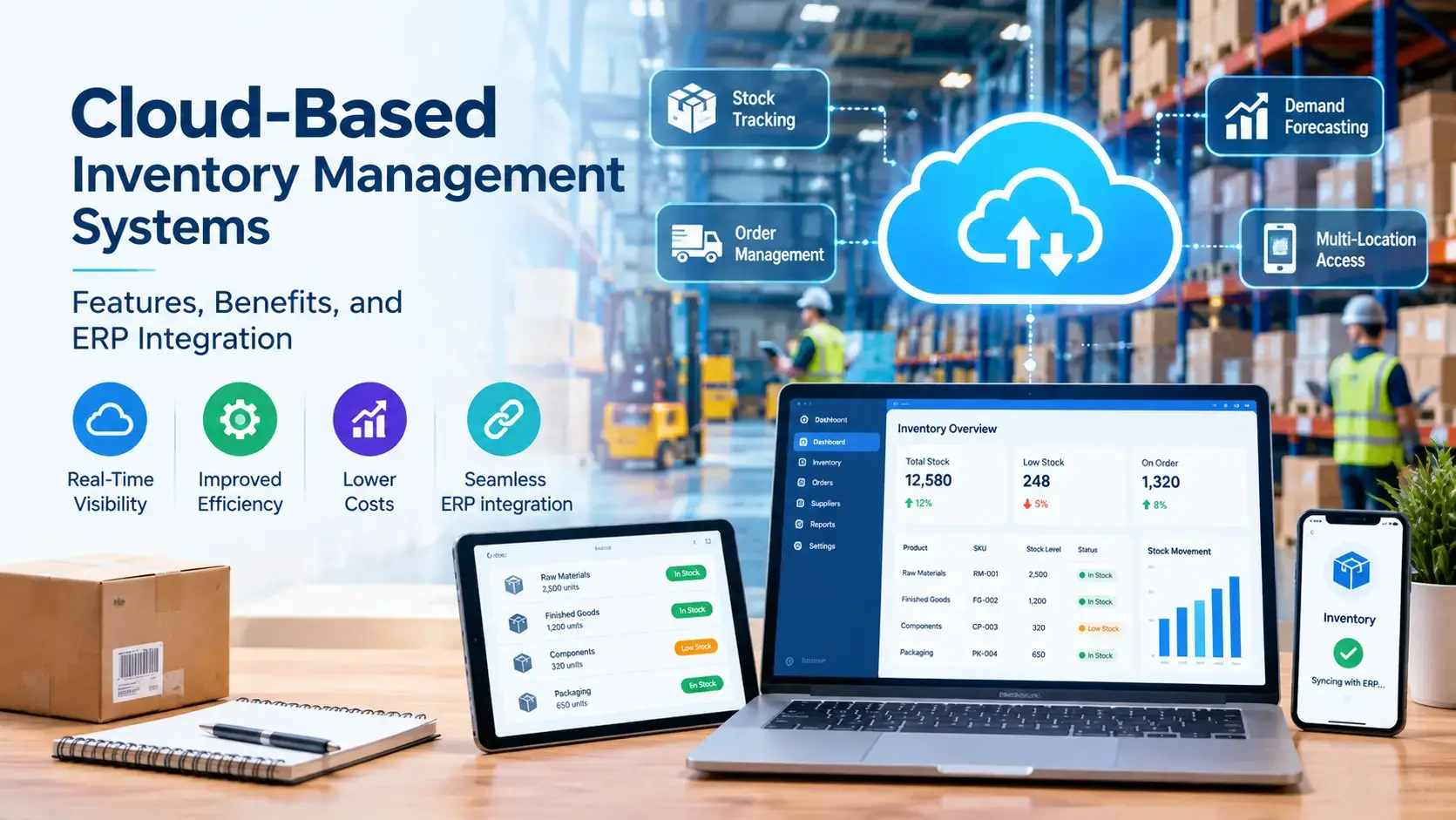
Cloud-based inventory management systems give businesses a live, shared view of stock across warehouses, stores and sales channels, without servers to maintain. Connected to an ERP, they also turn every receipt, pick and transfer into accurate finance and purchasing data. This guide covers the core features, the real benefits and how ERP integration works, so you can decide what fits your operation.
Key takeaways
A cloud-based inventory system is inventory management software delivered over the internet that tracks stock quantities, locations and movements in real time.
Core features include real-time inventory tracking, barcode scanning, multi-warehouse inventory management, automated reordering and reporting.
Integrating with an ERP keeps inventory, purchasing, sales and accounting on one set of numbers.
Clean master data and a phased rollout matter more than any single feature.
What Are Cloud-Based Inventory Management Systems?
Cloud-based inventory management systems are software platforms, hosted by a vendor and accessed through a browser or mobile app, that record and control stock quantities, locations and movements. Because they run on shared cloud infrastructure, there are no local servers to buy, patch or back up, and every authorized user sees the same data.
Teams use them to receive goods, count stock, fulfil orders, trigger replenishment and report on inventory levels. Most are sold by subscription, which is why you will also see the terms SaaS inventory management and cloud inventory management software.
The category is part of a wider shift. A 2026 roundup of global ERP statistics reports that cloud accounted for 70.4% of ERP deployments in 2025 and 78.6% of new implementations, citing industry research firms.
Cloud-Based vs On-Premise Inventory Management
The main trade-offs come down to cost model, control and speed:
Factor | Cloud-based | On-premise |
Cost model | Subscription with low upfront cost | Upfront licenses and hardware, plus maintenance |
Scalability | Add users, sites and features online | Limited by existing hardware |
Access | Any device with an internet connection | Local network or VPN |
Updates | Vendor handles patches and backups | In-house IT schedules and manages them |
Customization | Moderate, mainly through APIs | High, suited to complex workflows |
Best for | Growing, multi-site or remote teams | Strict compliance needs and established IT teams |
A hybrid approach is also common: daily stock work runs in the cloud while sensitive data stays on-premise. For most growing businesses, cloud is the faster and lower-risk starting point.
Key Features of Cloud-Based Inventory Management Systems
Look for these capabilities when you compare platforms:
Real-time inventory tracking: every receipt, pick, transfer and adjustment updates stock instantly across locations.
Multi-warehouse inventory management: manage warehouses, bins and stores in one hierarchy, with transfers between them.
Barcode scanning and RFID: guided scans reduce keying errors during receiving, put-away, picking and counts.
Lot, serial and expiry tracking: trace batches for recalls, quality checks and compliance.
Automated reordering: reorder points and min/max rules raise purchase requests before stock runs out.
Demand forecasting: sales history helps set safety stock and supports inventory control.
Reporting and dashboards: stock valuation, turnover, aging and error rates in one place.
Role-based access and audit trails: see who changed what, and when.
Offline mode and mobile apps: keep scanning in low-signal areas and sync later.
APIs and connectors: link ecommerce, shipping, POS, accounting and your ERP.
Benefits of Cloud-Based Inventory Management Systems
The benefits show up in accuracy, speed and cost:
Fewer stockouts and overstocks. IHL Group estimates that inventory distortion, the combined cost of out-of-stocks and overstocks, cost retailers roughly $1.7 trillion globally in 2025. Live data and automated reorder rules attack both problems.
Lower upfront cost. A subscription replaces servers and most of the IT overhead.
Faster scaling. Adding a warehouse, user or sales channel is a configuration change, not a hardware project.
One source of truth. Sales, purchasing and the warehouse work from the same numbers.
Less manual work. Scanning and rolling cycle counts replace spreadsheets and large annual counts.
Always current software. The vendor ships updates and security patches.
The same ERP statistics roundup attributes to Panorama Consulting Group a finding that 91% of organizations reported better inventory management after go-live. Treat that as directional, since survey definitions vary.
Who Benefits Most From Cloud-Based Inventory Management Systems?
Any business that holds stock in more than one place gains from a shared, live record. The strongest fits are:
Retail and ecommerce: one stock count across stores, warehouses and marketplaces prevents overselling.
Distributors and logistics firms: accurate transfers and receiving keep goods moving across many locations.
Manufacturers: raw materials, work in progress and finished goods stay tied to production plans.
Multi-site and remote teams: staff reach the same data from any location without a VPN.
How Cloud Inventory Management Integrates With ERP
An ERP runs finance, purchasing, sales and manufacturing on one database. ERP integration connects your cloud inventory system to that database so stock events become business records automatically. Each warehouse event maps to an ERP object:
Inventory event | ERP record updated | Why it matters |
Goods receipt | Purchase order, stock ledger, accounts payable | Matches what arrived to what was ordered and billed |
Pick and ship | Sales order, delivery, cost of goods sold | Keeps order status and margins accurate |
Stock transfer | Location balances | Shows true stock per warehouse |
Cycle count adjustment | Inventory valuation, general ledger | Corrects book value and flags variances |
Reorder trigger | Purchase requisition | Replenishes without manual checks |
There are three common ways to connect the systems:
Native ERP inventory module. Inventory, purchasing, sales and accounting share one platform, so no connector is needed.
Pre-built connector. A vendor-supported link between a specialist inventory app and the ERP.
Custom API or middleware. A tailored integration for unusual workflows, often with a layer that buffers and batches posts to protect the ERP.
Four design rules keep integrations reliable. Decide which system owns each record, for example the ERP owns the item master while the inventory app owns scan events. Use idempotent posting so a retried message never creates a duplicate receipt. Define conflict rules for offline scans that sync later. Keep a traceable link from every ERP posting back to its source event.
Odoo shows the native route. Its Inventory app supports barcode scanning, multi-warehouse locations, reordering rules and lot or serial tracking on the same platform as Purchase, Sales and Accounting, which Top Remotely's Odoo consulting team implements and customizes. NetSuite similarly pairs inventory with finance and reporting in one cloud suite.
Standalone Cloud Inventory Software or an ERP Inventory Module?
Choose a standalone tool when:
Inventory is your single pain point and you have no plans to replace your accounting system.
You need to go live quickly with a narrow scope.
Your accounting software, such as QuickBooks, already works and has a proven connector.
Choose an ERP inventory module when:
You manufacture products and need inventory tied to production planning. Our guide to ERP vs MRP explains how the two fit together.
Purchasing, sales and finance must reconcile against the same stock numbers.
You run multiple entities, currencies or warehouses and want one reporting layer.
Common Challenges and How to Avoid Them
Most failed rollouts trace back to preparation, not software. Watch for these risks:
Poor master data. Duplicate barcodes, inconsistent units and undefined bin locations undermine accuracy. Clean item masters before go-live.
Over-customization. Heavy early changes complicate upgrades. Start with standard workflows.
Duplicate or failed postings. Use idempotent posting and monitor integration queues.
Connectivity gaps. Pick tools with offline mode and clear sync-conflict rules.
Security gaps. Confirm encryption, role-based access and independent security certifications.
Thin training. Train super-users first, then run short role-based sessions on real devices.
How to Roll Out a Cloud Inventory System
A phased plan lowers risk:
Map current flows. Document receiving, storage, picking, shipping and returns.
Clean master data. Fix items, units, locations and barcodes.
Select the platform. Match inventory depth and ERP fit to your process map.
Pilot one process. Start with receiving or cycle counts for two to four weeks, with success metrics.
Integrate and test. Verify every event posts correctly to the ERP.
Scale in stages. Add put-away, picking, shipping, transfers and returns step by step.
Top Remotely's ERP specialists work across Microsoft Dynamics 365, Odoo, SAP, NetSuite and Oracle ERP Cloud. Our four-step process covers consultation, strategy, implementation and final result, with documentation and training. For tailored connectors, our custom software development team can build the API layer. We also support retail and ecommerce, logistics and supply chain and manufacturing businesses. Browse the ERP Resource Hub, read what an ERP consultant does or estimate your project cost.
Conclusion
Cloud-based inventory management systems replace spreadsheets and server-bound software with a live, shared record of every item and location. Their value multiplies when they connect to your ERP, because stock events then flow into purchasing, sales and accounting without re-keying. Start with clean data, a clear process map and a phased pilot, and choose between standalone software and an ERP module based on how tightly inventory must tie to finance and production.
Ready to scope your project? Talk to a Top Remotely ERP expert and get a practical integration roadmap.
Frequently Asked Questions About Cloud-Based Inventory Management Systems
What are cloud-based inventory management systems?
Cloud-based inventory management systems are vendor-hosted software platforms, accessed through a browser or mobile app, that track stock quantities, locations and movements in real time. They replace local servers with a subscription and give every authorized user the same live data.
What features should cloud-based inventory management software have?
Look for real-time tracking, barcode scanning, multi-warehouse support, lot and serial tracking, automated reordering, reporting and role-based access. Offline mode and open APIs matter too, because they keep warehouses running and let the system connect to your ERP.
How does a cloud inventory system integrate with ERP?
It connects through a native ERP module, a pre-built connector or a custom API. Warehouse events such as receipts, picks and adjustments post to ERP records for purchasing, sales and accounting, so every department works from the same inventory numbers.
Is cloud-based inventory management secure?
It can be, but it depends on the vendor and your setup. Look for encryption, role-based access, audit trails and independent security certifications. The vendor secures the infrastructure, while you remain responsible for user permissions and training.
What is the difference between cloud and on-premise inventory management?
Cloud systems run on vendor infrastructure for a subscription, scale quickly and update automatically. On-premise systems run on your servers with upfront costs, deeper customization and full control, which suits strict compliance needs but demands more IT effort.
Do small businesses need cloud-based inventory management systems?
Often yes, once spreadsheets cause stockouts, overselling or slow counts. A cloud system has low upfront cost and scales as you add products, locations and sales channels, so a small business can start narrow and expand later.
Leave a comment:



2 comments on this post:
Ricky Smith
June 14, 2024It is a long established fact that a reader will be distrac readable content of a page when looking at its layout. The point of using is that it has two.
Joshua Jones
June 15, 2024It is a long established fact that a reader will be distra readable content of a page when looking at its layout. The point of using.